



Verity for Java and Verity for Bedrock are different downloads. Before installing either, check your Minecraft edition and the version supported by the file. Renaming a Java file does not turn it into a Bedrock add-on.
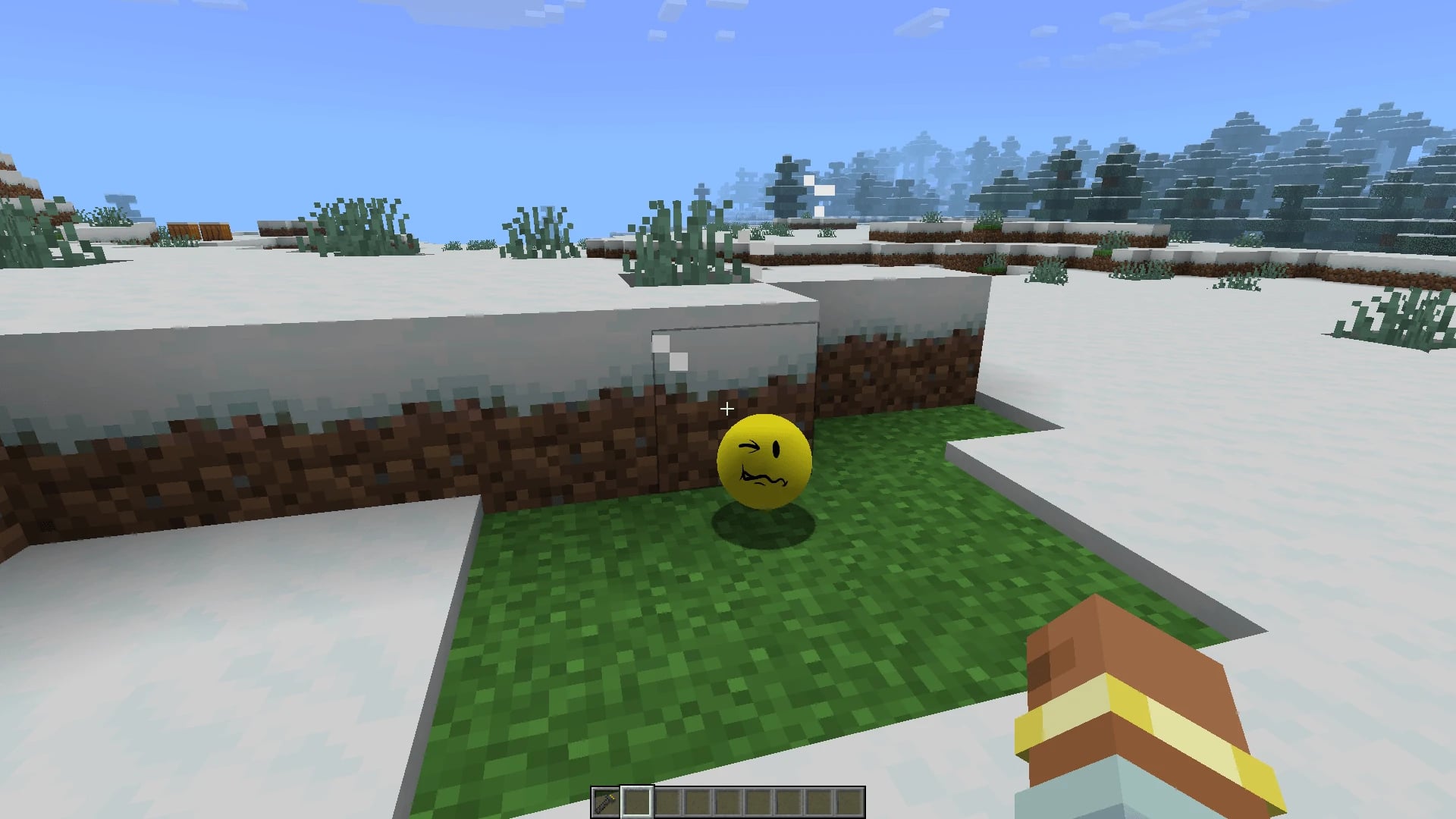
Verity combines a yellow companion with horror and AI interactions. VarmiteYT’s Verity JE states that the adaptation has permission from the creator of the Something series. It is not a built-in vanilla Minecraft feature.
Want to share a modded world with friends?
Explore Teramont Minecraft hosting and confirm the mod, game version and loader first. Hosting alone does not include Verity’s external AI services.

Which download: Java or Bedrock?
Checked on September 23, 2026. These are specific files, not a promise of compatibility with every future release.
| Your game | Project and file | Version requirement |
|---|---|---|
| Java 1.20.1 | Verity JE 5.7.4, .jar | Forge; released August 18. |
| Java 1.21.1 | Verity JE 3.4.1, .jar | NeoForge; released June 30. |
| Bedrock | Verity BE 4.1.3, .mcaddon | The file lists 26.30 and 26.40; released September 16. |
5.7.4 is the mod version, not the Minecraft version. A newer file also does not automatically work with a different loader. These files do not establish compatibility with Java 26.x or Bedrock 26.50.
The general Bedrock description still mentions 26.30, while file 4.1.3 also lists 26.40. Check the specific file and its instructions. Do not downgrade your main world to an earlier game version: create a separate test world.
Getting started on Java without risking your save
- Create a separate profile using one combination in the table. This keeps mods for different installations apart.
- Download from the official listing and install the corresponding loader. Check the selected file’s Relations tab for dependencies.
- Add the .jar to that profile’s
modsfolder, or use installation through a compatible app. Avoid installers from imitation project sites. - Launch that profile and confirm the mod loads before adding other mods.
- Complete the AI configuration using the ___YOUTUBE_0_O3pSCBvJ_i0___ for your version. Installing the file does not necessarily complete setup.
Start with a disposable world and a simple question. Then try a copy of your save. This helps distinguish installation problems from conflicts with other mods.
Getting started on Bedrock
- Download the .mcaddon from Utlover65’s Verity BE (Official).
- On a device that supports importing add-ons, open the file with Minecraft and activate its imported packs in a test world.
- The project requires Beta APIs and cheats. Enable these only in the test and read the game’s warnings.
- Follow the current connection tutorial. The author instructs players to start messages with
Verity.
External connection warning: the Bedrock instructions involve connecting a debugger to a third-party service. Do not copy commands from random comments or videos. Check the destination and access involved; if you do not understand it, stop and ask the author. Never put personal information, passwords or service keys into chat.
Verity not responding? Check in this order
| Symptom | First check |
|---|---|
| Minecraft will not start after installation | Check edition, version, loader and dependencies. Try Verity alone in a clean profile. |
| The game starts but AI does not answer | Separate mod loading from the AI connection: check configuration and service status. |
| It works in a test but not your save | Compare settings and add-ons. Add other components one at a time, always on a copy. |
| Text works but Spanish voice does not | The Java project says speech recognition and synthesis were tested only in English; multilingual text does not mean validated multilingual voice. |
Do not buy more RAM as your first response to an AI connection failure. Identify the failing part first: game, mod or external service. That is more useful than repeatedly reinstalling everything.
Popularity does not establish compatibility
At review time, CurseForge displayed approximately 4.6 million downloads for Verity JE and 6.6 million for Verity BE. These are cumulative download counters, not unique players, active users or stability tests. We do not add them together as if they represented different people.
Can you play with friends?
Do not assume both editions can use the same Verity together. Validate a test session in your chosen edition and confirm that release’s multiplayer requirements. A Minecraft server does not replace AI configuration or service availability.
Our recommendation: choose by game compatibility, not the highest file version number. Keep backups and change one thing at a time. This guide checks listings and documentation; it is not our own performance test and does not guarantee console or Realms compatibility.
If horror is not your preference, explore other ways to play in our Minecraft modpack selection. It is not a list of packs compatible with Verity.