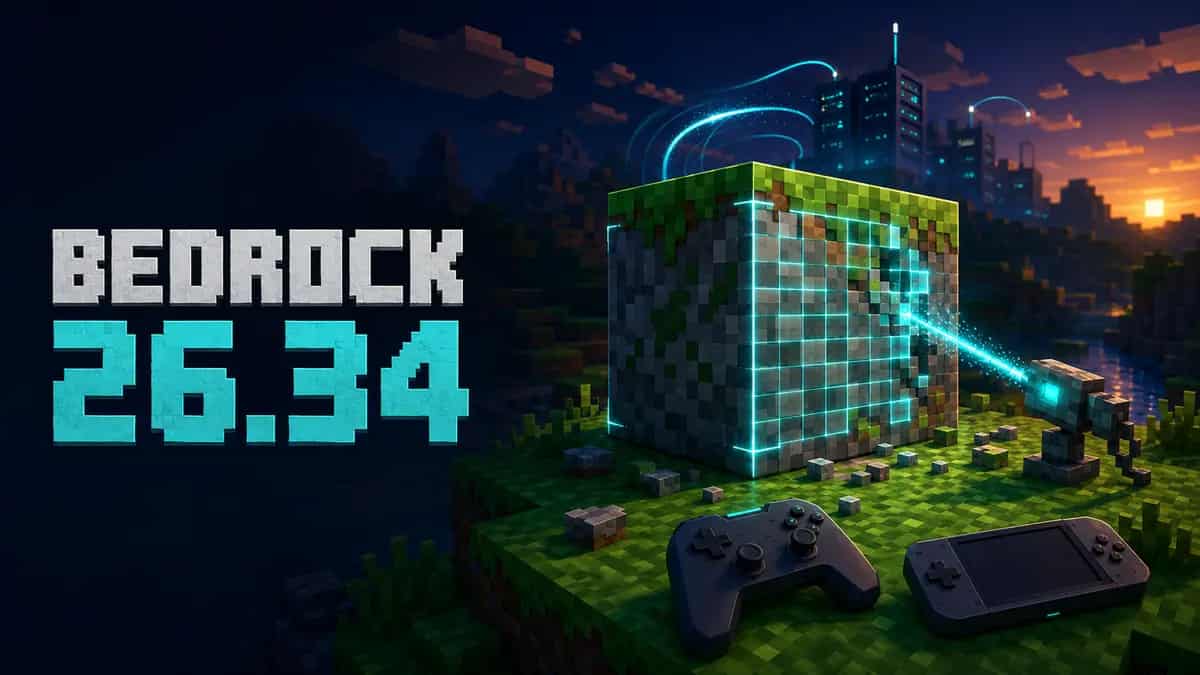



Minecraft Bedrock 26.34 has started rolling out to PlayStation and Nintendo Switch. Published on July 23, 2026, this hotfix addresses a very specific graphical problem affecting custom blocks: texture bleeding when automatic UV assignment is used with undersized textures. It does not add mobs, biomes, or gameplay mechanics; this is a corrective update mainly relevant to players and creators who use add-ons or custom content packs.
In short: Bedrock 26.34 is rolling out only on PlayStation and Switch, availability may differ as each platform approves the release, and the changelog documents a single graphical fix.
What does Minecraft Bedrock 26.34 fix?
The official Minecraft Bedrock 26.34 changelog says the hotfix fixes texture bleeding on custom blocks that use automatic block-face UV assignment with undersized textures.
Take your Bedrock world beyond the console
Keep your server online 24/7, manage add-ons, and protect your progress with backups from a simple control panel.
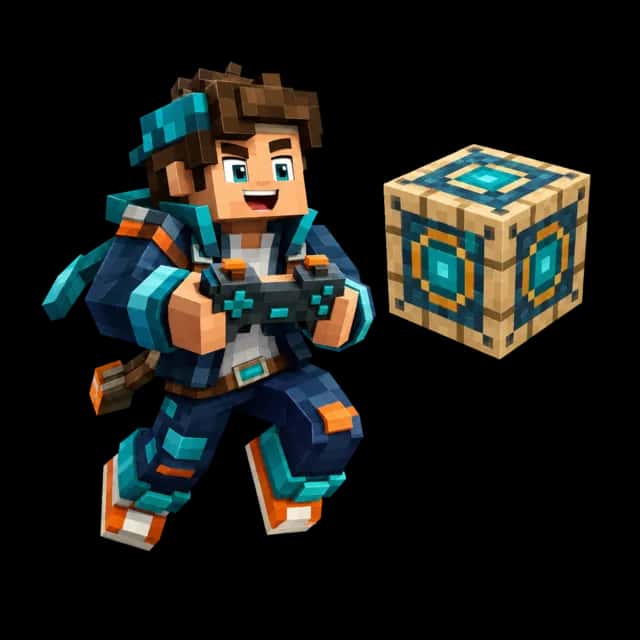
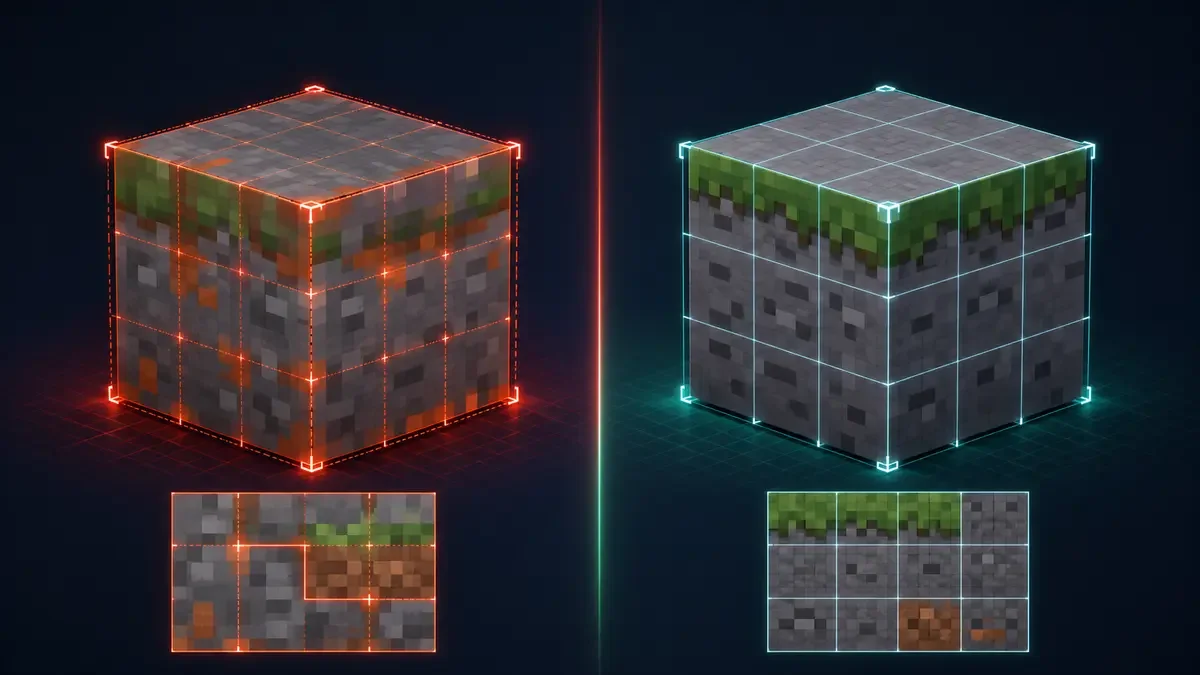
Texture bleeding can cause pixels from another area of an image to appear along a face edge. The fix is intended to keep each face within its visual boundaries.
What is texture bleeding?
3D models use UV coordinates to determine which part of an image is drawn on each face. When a texture is smaller than expected, filtering and sampling may pick up neighboring pixels. The result can appear as lines, colors, or fragments that leak over the edges of a block.
It may be easy to miss in a standard world, but it can be obvious in packs that add blocks with precise patterns, high-contrast edges, tiles, or low-resolution textures. The 26.34 correction is visual: it does not change a block’s properties, recipes, or behavior.
Platforms and availability
Mojang explicitly states that 26.34 is rolling out on PlayStation and Nintendo Switch. Not every player will receive it at the same time; it will appear once it has been approved and published for each platform.
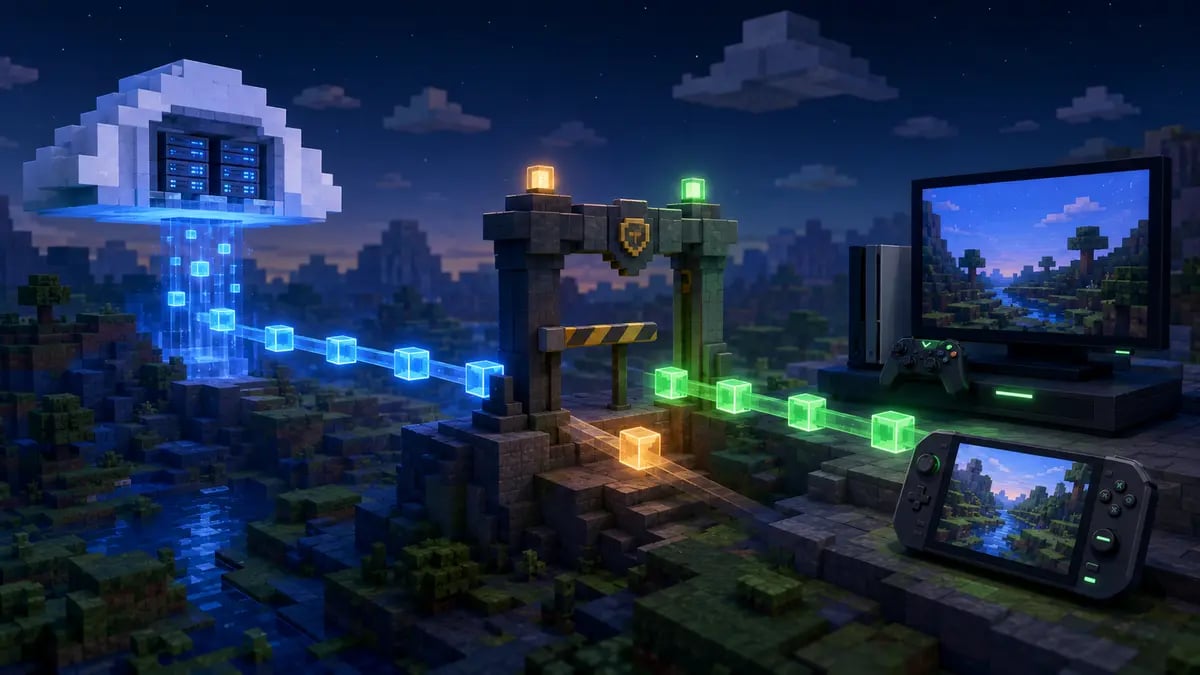
The rollout is gradual. Two players in the same console family may see the update at different times.
This matters because hotfix 26.33, published on July 9, had already documented the same graphical correction in a general rollout. The separate 26.34 release brings that fix to PlayStation and Switch according to their approval processes. The number is not a major content jump either: beginning in 2026, Minecraft uses year-based version numbers, while Bedrock increments releases according to its own cadence, as explained in the official version-numbering guide.
Does it affect Minecraft Bedrock servers?
The official note does not announce protocol, gameplay, command, API, or Bedrock Dedicated Server package changes. Therefore, there is no official evidence that 26.34 requires a server update. The documented change concerns client-side graphical rendering.
Administrators should still watch connection compatibility while the hotfix rolls out. If a console player cannot join, first verify the exact game version, restart the game after installing the update, and check whether the store still shows a pending download. Do not replace server files or alter add-ons blindly when the issue may only be the client version.
Administrator checklist
- Keep a backup of the world, behavior packs, and resource packs.
- Verify the version displayed by PlayStation and Switch clients.
- Test custom blocks in a staging world before changing a production pack.
- Review the console and server logs if a connection fails; 26.34 does not document a protocol change.
- Wait for an official Bedrock Dedicated Server publication before assuming a new binary exists.
What add-on creators should review
The hotfix reduces a game-rendering fault, but it does not replace good resource-management practices. If you maintain an add-on, review faces that use automatic UV mapping, confirm that texture dimensions match what the model expects, and avoid atlases without sufficient padding where filtering can reach adjacent pixels.
- Make a copy of the current pack.
- Test the same block in 26.33 and 26.34 if both versions are available to you.
- Inspect corners, seams between faces, and different viewing distances.
- Confirm that the correction is not hiding an error in your own UV coordinates.
- Document the minimum tested version for your users.
How to update to Minecraft Bedrock 26.34
On PlayStation
Close the game completely, open the title options from the home screen, and check for updates. If 26.34 is not available yet, wait for the rollout in your region and check again later.
On Nintendo Switch
From the HOME menu, select the game, open its options with the “+” button, and search for an update via the Internet. Keep enough free storage available and do not interrupt the download.
Before opening an important world after any update, keeping a copy is sensible. The hotfix does not mention a world-format change, but a backup is still the cheapest safety net in the universe.
Frequently asked questions
Does Bedrock 26.34 add new content?
No. Mojang documents only one graphical correction involving custom block textures.
Why is the update not available to me?
Its publication depends on approval for PlayStation and Nintendo Switch. Rollout timing may vary by platform and region.
Do I need to update my Bedrock server?
There is no official notice of a new Bedrock Dedicated Server build for this hotfix. Check the client version and official publications before changing the server.
Does 26.34 fix every visual issue in add-ons?
No. It fixes the documented bleeding case involving automatic UV assignment and undersized textures. A pack can still contain incorrect UV coordinates, atlas padding, or material settings.
Minecraft Bedrock hosting from Teramont Host
A client hotfix does not replace stable infrastructure. If you want your world to remain available even when the host turns off their console, Teramont Host’s Minecraft Bedrock hosting provides an always-on server, simplified add-on management, technical support, and a setup built for cross-platform communities.
You can also manage files, backups, and server settings through the control panel without requiring one player to keep a local game open. This is especially useful when PlayStation, Switch, mobile, and PC receive hotfixes at different times and you need to verify versions or restore a world quickly.
Starting a world for friends or migrating an existing community? Explore the Minecraft Bedrock hosting plans and choose resources that fit your player count and add-ons.
Conclusion
Minecraft Bedrock 26.34 is a small but useful hotfix for people using add-ons and custom blocks on PlayStation or Switch. The correct response is straightforward: update when it becomes available, visually test custom packs, and avoid unnecessary server changes unless Mojang publishes a server-specific requirement.
If you run a cross-platform community, see our Minecraft 26.2 and hosting compatibility guide. To keep a Bedrock world available around the clock with backups and add-on management, explore Teramont Host’s Minecraft Bedrock server hosting.