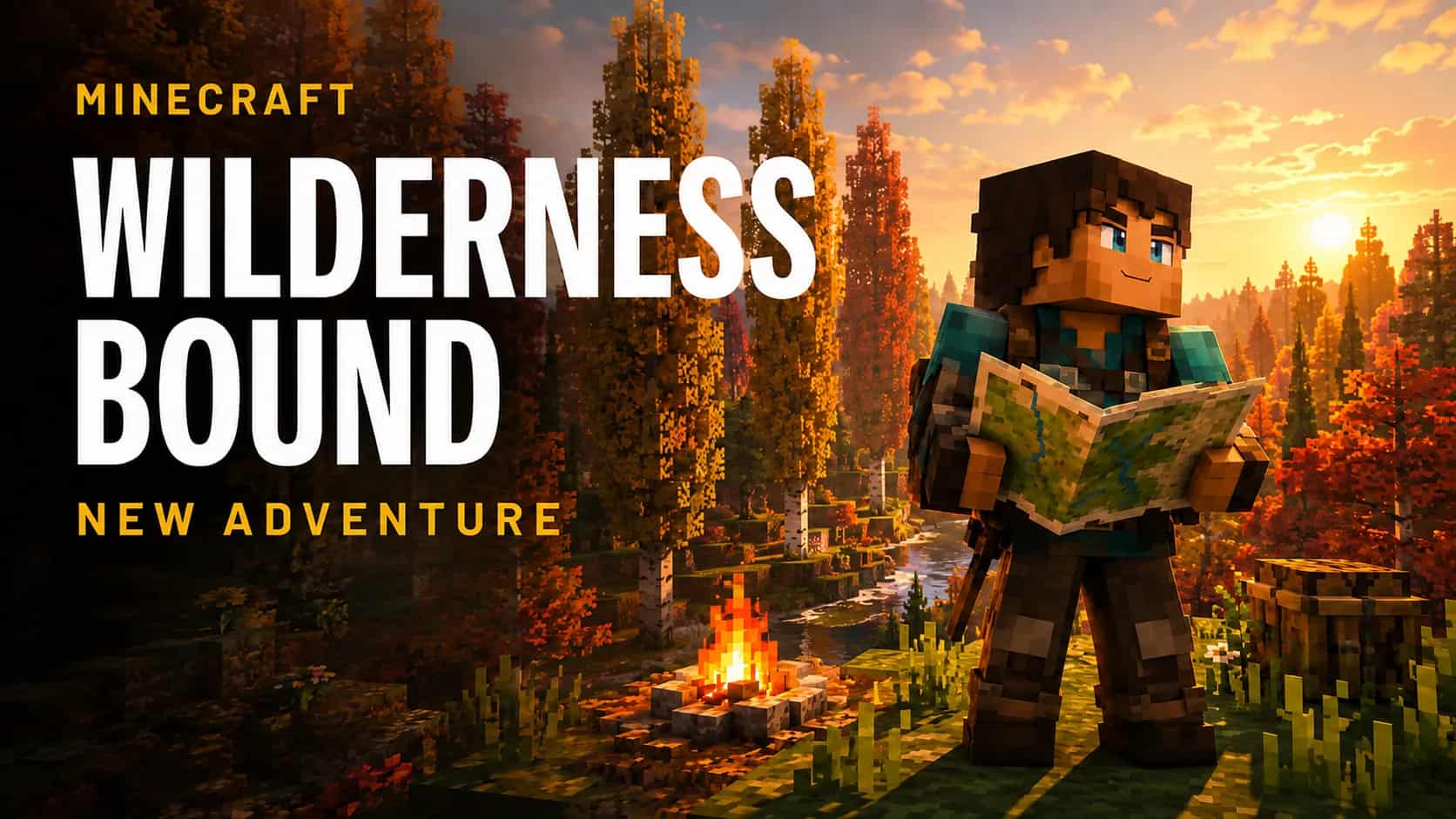



Minecraft Java 26.3, Wilderness Bound, is available as of September 15, 2026. This guide replaces our pre-release information with the main additions and the checks we recommend before updating a server. The confirmed launch covered here is Java, not every Bedrock platform.
What changed in Minecraft 26.3?
Highlights from the official release notes:
| Change | Useful detail |
|---|---|
| Exploration | Dappled Forest, poplars and abandoned camps. |
| Straw bed | Preserves respawn; single use. 3 hay bales produce 4 beds. |
| Building | Cushions; wool and concrete stairs and slabs. |
| Packs | Data packs 121.0; resource packs 97.1. |
| Server access | The whitelist is enabled by default. |
| Automation | Some log lines were removed; Mojang points to Server Management Protocol as an alternative. |
Should you update your server today?
For a simple installation, we recommend preparing a test copy and checking the route your players normally follow. For a community that depends on plugins or mods, Minecraft's release date should not automatically become your migration date. Verify each project's support and the features you actually use; successful startup is not enough.
We are not claiming that a particular Paper, Purpur, loader or modpack build is already compatible. Record versions and check their official announcements before replacing files. Temporarily keeping a known installation can be better than reopening with broken permissions, economy or inventories.
A checklist for updating without risking your world
- Inventory and maintenance. Record server software, its required Java runtime, plugins, mods, datapacks and configuration. Tell players about the interruption.
- Complete backup. Save and stop the server normally. Keep the world, configuration and dependencies outside the instance. Include external databases used by plugins.
- Isolated rehearsal. Use a copy that cannot write to production files or databases. Update it using files from official sources.
- Access and features. Join with both an administrator and an ordinary player account. Check permissions, inventories, portals, custom recipes and important community commands.
- Persistence. Make a small change in the copy, save, restart and confirm it remains. Rehearse recovery too.
- Reopening. Apply the validated procedure and retain the previous backup. Rolling back means restoring compatible software and data together, not opening an upgraded world with an older executable.
If nobody can join, check before reinstalling
Inspect the effective whitelist configuration and authorized players; do not assume a new default overwrote an existing configuration file. Also check the client version, address, port and exact rejection message. Avoid disabling access controls or deleting the world as your first response to a connection problem.
Make Wilderness Bound useful for your survival community
Prepare your community's next adventure
Explore TERAMONT Minecraft Hosting and ask about the version, server software, and backup options your world needs.

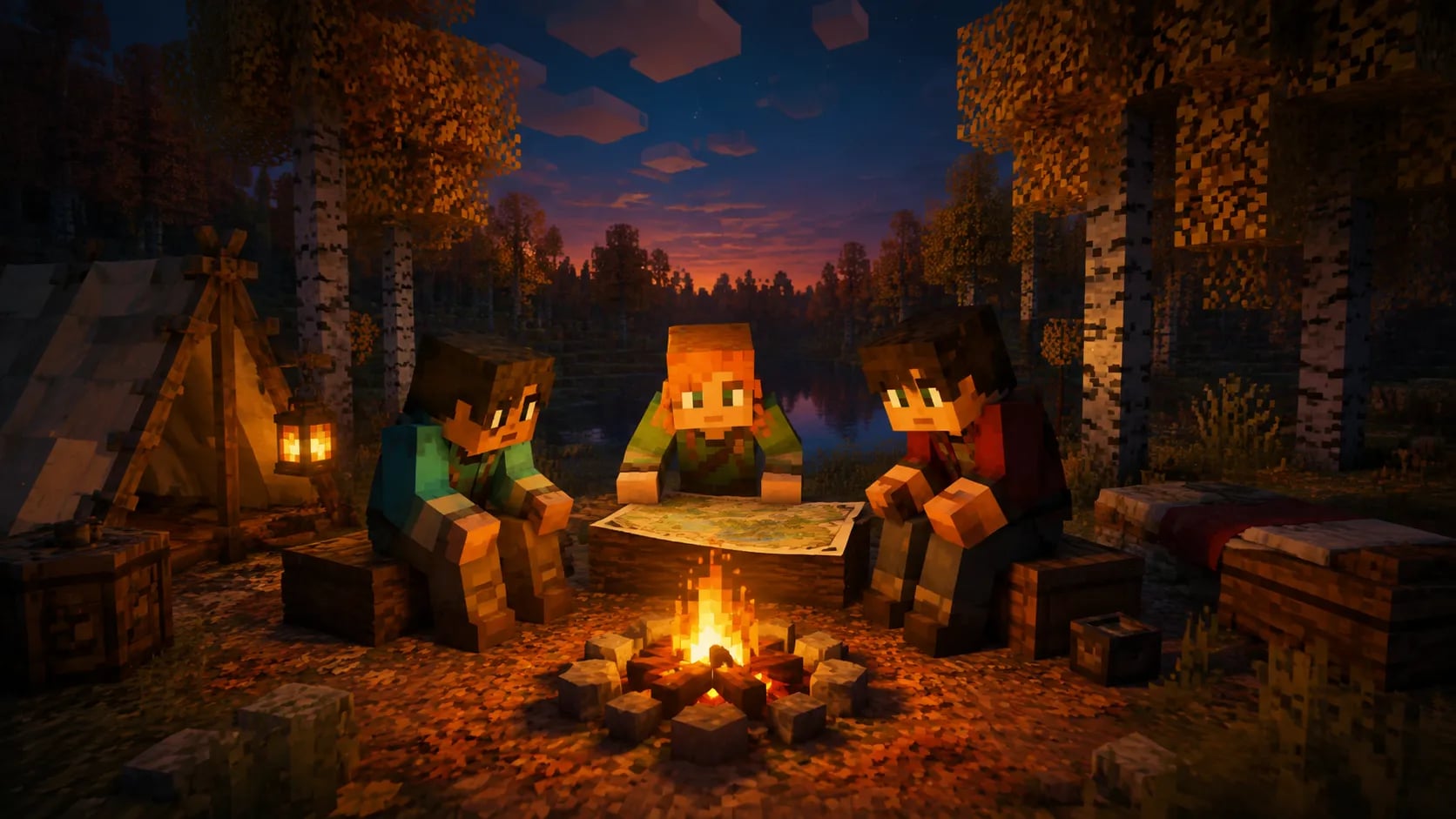
A simple proposal: 12 participants, 3 teams of 4 and a 60-minute expedition. Allocate 10 minutes to rules, 30 to exploration and 20 to sharing discoveries. These are planning choices, not a hosting capacity test. Set a return point, record coordinates and agree on which progress will persist.
Do not delete occupied regions just to search for new content. Identify important builds first and test any intervention on a copy. A separate event world can simplify organization without gambling with months of work.
Performance: what can we actually claim?
Mojang announces chunk-generation improvements but warns that improved transparency is expected to cost more performance. That does not mean higher FPS for everyone. We provide no original benchmarks or percentage gains.
Compare your installation using the same route, player count, simulation distance and dependencies. Separate a test on existing terrain from one exploring new areas. Record duration, errors, memory and available tick metrics: client FPS alone does not measure server performance.
Our recommendation
Update when you can demonstrate access, saving and recovery, not merely because a download button appeared. If you need hosting, explore TERAMONT Minecraft Hosting and confirm server-software availability, log access and backup options. Changing plans does not fix a software incompatibility on its own.
Updated September 15, 2026. Independent TERAMONT guide to the stable Java release.