


Download the Hytale launcher for Early Access — January 13, 2026
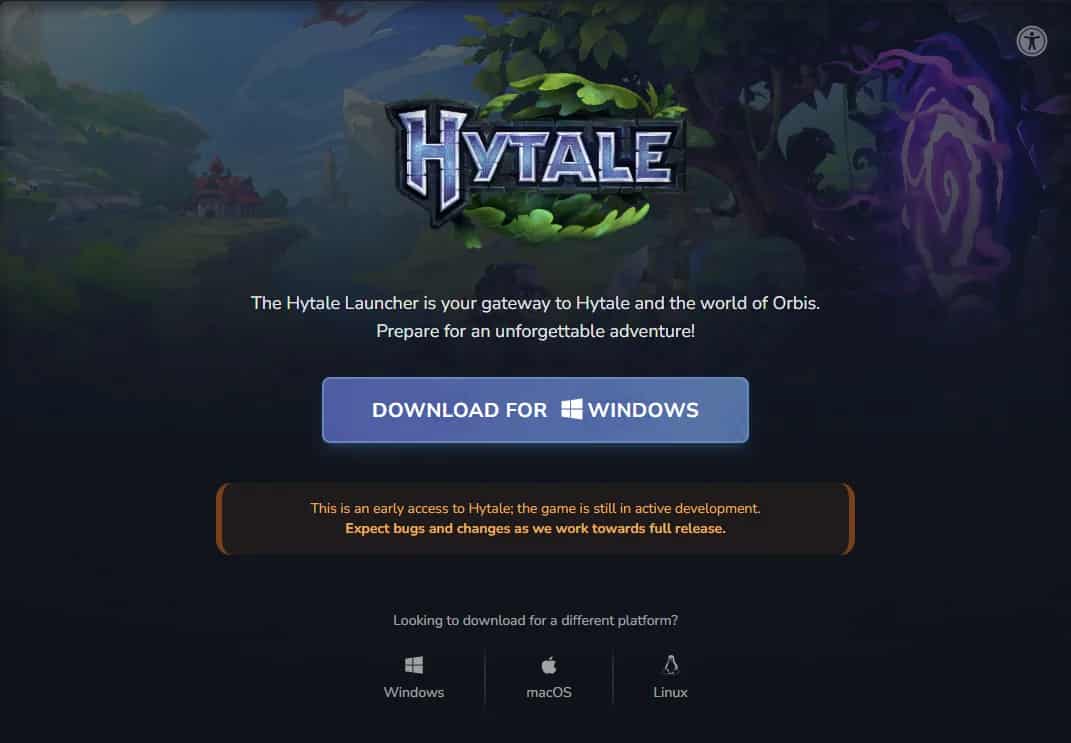
Hytale just dropped the first “yep, this is real” moment: they’ve enabled the launcher download so the community can log in starting now and help stress-test their backend systems ahead of the Early Access launch on January 13, 2026.
If you were waiting for a sign to get ready, this is it. And yeah, this also screams “we don’t want everything to explode on the 13th.”
20% discount on your server!
High-performance servers for a smooth gaming experience. Reserve your server today and get 20% off your first month.

What exactly did they announce?
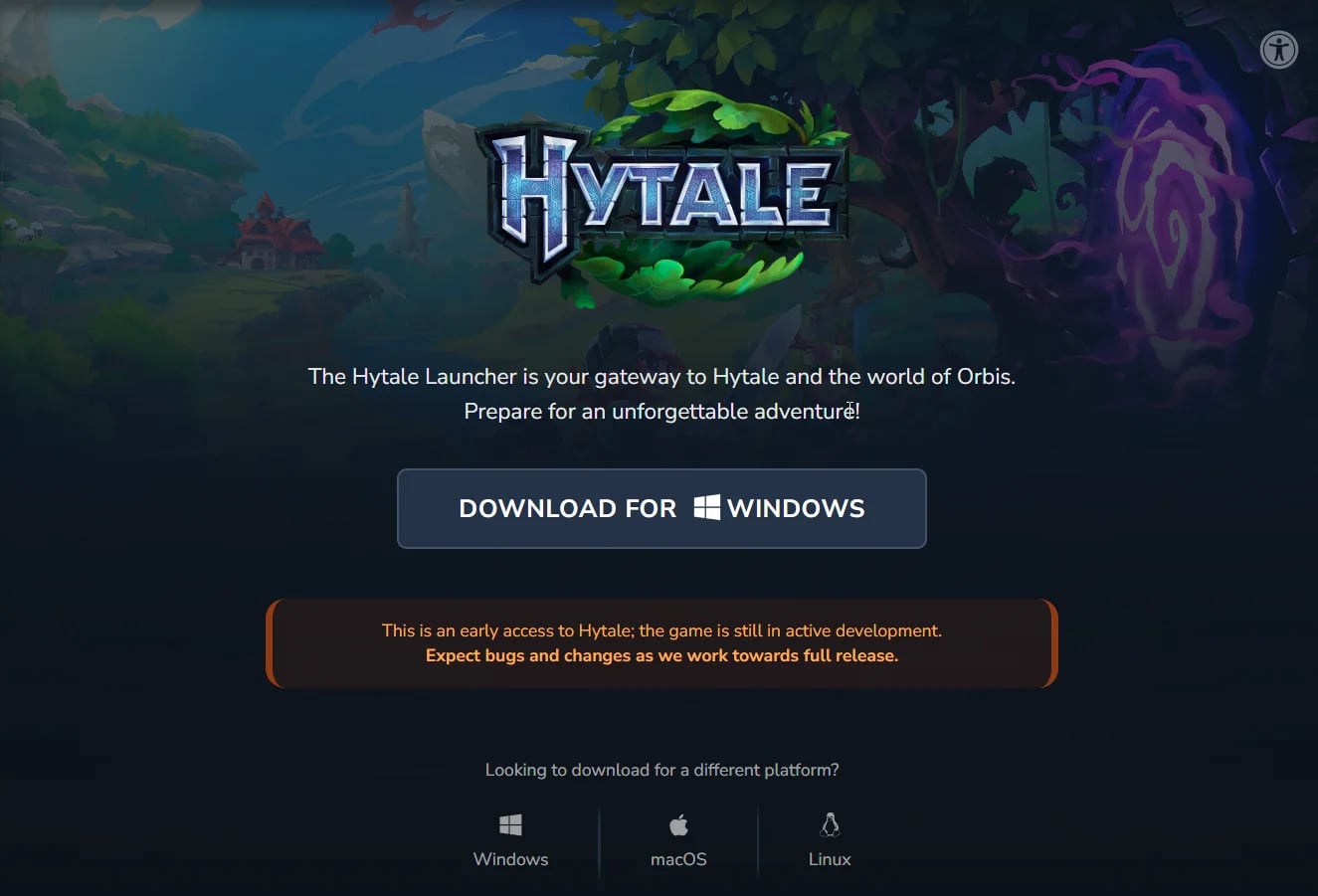
The official message is straightforward: they need help stress-testing their systems, so they’ve enabled the launcher download. You can download it and sign in right now to get your account ready.
Where to download the Hytale launcher
Use the official link (you’ll need to log in):
https://accounts.hytale.com/download
Anti-malware tip: don’t download it from “mirrors,” random videos, or third-party sites. Launcher + hype = perfect bait.
What this means for January 13
Hytale enters Early Access on January 13, 2026. They’ve confirmed this themselves in the official Early Access announcement.
Releasing the launcher early helps them:
test authentication and account services with real traffic
detect backend bottlenecks before the big day
reduce the chaos of “everyone installing and logging in at the same time”
Quick step-by-step to get ready
Create your account or log in to your existing one:
https://accounts.hytale.com/loginDownload the launcher from the official link:
https://accounts.hytale.com/downloadInstall it and sign in so your access is ready.
Important note for Windows if the launcher won’t open
The official notice says that if you installed an early version on Windows and it won’t open, the fix is simple: uninstall it and reinstall the latest version from the official link.
PC requirements so January 13 doesn’t catch you unprepared
If you haven’t checked specs yet, Hytale has published official requirements (minimum and recommended) along with technical notes.
Official link: https://hytale.com/news/2025/12/hytale-hardware-requirements
Recommended official links
Launcher download: https://accounts.hytale.com/download
Early Access announcement (January 13, 2026):
https://hytale.com/news/2025/11/hytale-early-access-january-13-2026Official PC requirements:
https://hytale.com/news/2025/12/hytale-hardware-requirementsOfficial FAQ:
https://hytale.com/news/2025/12/hytale-s-1st-faq
Conclusion
The Hytale launcher download is now live—and it’s not just hype. It’s a real stress test to make sure Early Access on January 13, 2026 launches with less drama. Download it from the official site, sign in, and get your setup ready.